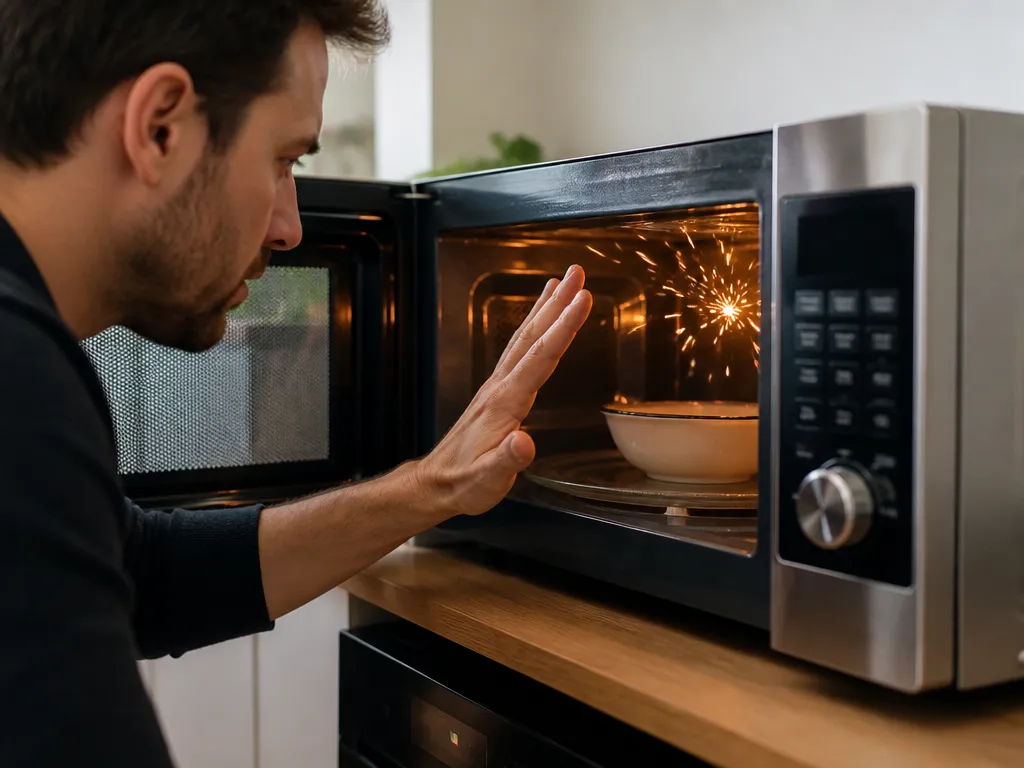
How To Stop A Microwave From Sparking
Stop cooking as soon as you see sparks or repeated arcing. Unplug the microwave, remove the food, and do not keep running it to see whether the problem settles down.
The fastest safe fix is to eliminate the two most common triggers: metal or foil and food contamination near the waveguide cover. With the microwave unplugged and cool, use a flashlight to look for foil, metal trim, crumpled packaging, stuck-on splatter, a damaged waveguide cover, or anything burned or melted.
Clean the interior and waveguide area before a brief test with a microwave-safe glass of water. If the microwave sparks again after those steps, stop using it and call a technician.
Quick Takeaways
Best Fix by Symptom
Best for sparks with one dish: remove the container
If the microwave sparks only when heating one food or container, suspect that item first. Metal trim, foil packaging, metallic paint, reflective finishes, and lids with metal components can all create an electrical path.
Move the food to plain microwave-safe glass or ceramic and test that instead. Do not assume a plastic container is safe if its lid contains a metal seal ring or mesh pattern.
Best for sparks from the top
Repeated flashes from the top-center area usually make the waveguide cover or residue around it the prime suspect. Grease and food splatter can carbonize, and uneven charred residue may trigger arcing when exposed to microwave energy.
Unplug the microwave, remove the turntable and plate, and wipe the cover gently with a damp cloth. Use a mild dish soap solution for stubborn grease, but keep liquid away from vents and electrical areas. Do not soak the cover or surrounding surfaces.
A stained but intact cover may only need thorough cleaning. A cracked, missing, or burned-through cover needs replacement, not more wiping.
Best for uneven heating or grinding: inspect the turn
A turntable that does not rotate properly can create uneven heating and bake more splatter onto the cavity surfaces. Mechanical misalignment can also move food into hot spots where arcing becomes more likely.
With the microwave unplugged, check that:
- The glass plate sits level and turns smoothly.
- The roller ring is seated correctly and is not cracked or warped.
- The coupling area has no debris, visible wear, or loose connection.
- The plate does not grind or bind when rotated by hand.
Clean the roller area and remove debris if the plate sticks. Do not improvise replacements for broken parts.
Best for repeated sparks
Professional inspection is the right choice if you smell burning, see melting plastic, notice arcing near the door, hear loud popping, see electrical-looking scorch marks, or find loose or burned wiring. A technician can inspect the magnetron, high-voltage components, interlocks, and waveguide integrity.
What Causes Microwave Sparking and Arcing
Microwave arcing occurs when microwave energy finds an unintended path, usually through metal, conductive debris, or damaged insulation. The magnetron generates high-frequency energy inside the cavity. Metal and conductive residue reflect and concentrate that energy differently from ordinary food, which can produce visible sparks.
The most common causes are:
- Metal contact – foil, metal cookware, metal skewers, lids with metal trim, and some metal rack inserts.
- Food buildup – greasy splatter on the waveguide cover or inside the top of the cavity.
- A damaged waveguide cover – a cover that is cracked, burned through, or missing.
- Turntable problems – a plate that does not rotate can create uneven heating and additional baked-on residue.
- Electrical faults – a failing component can spark even when the cavity looks clean.
How to Identify the Sparking Source
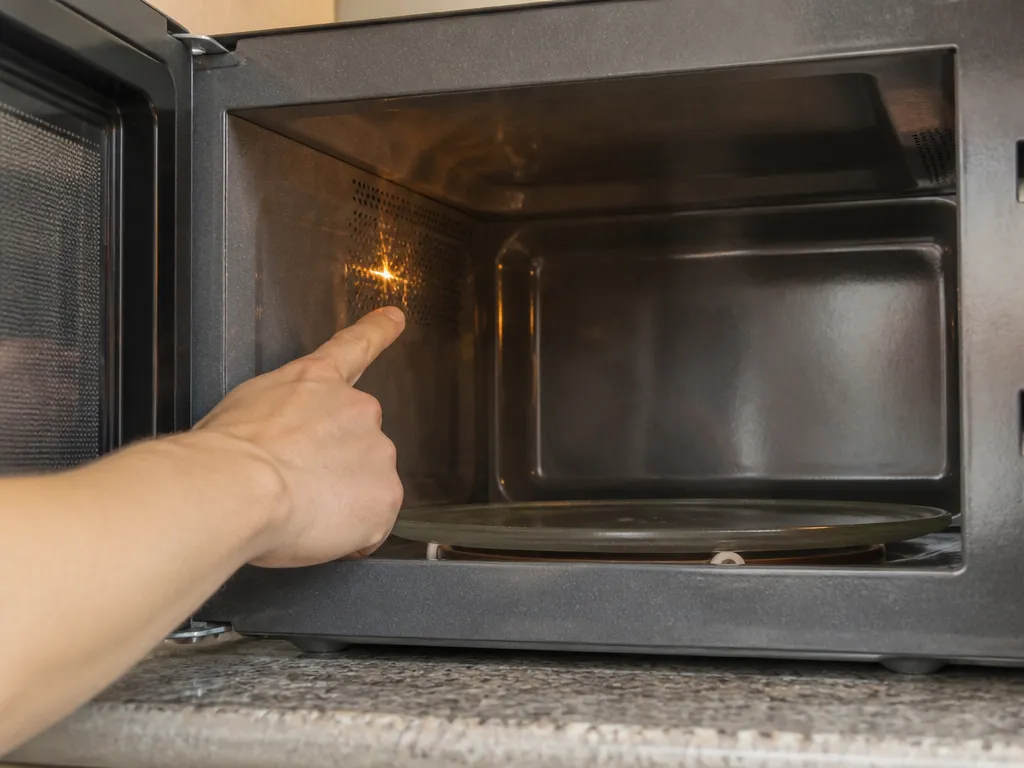
Locate the suspected source with the microwave unplugged. Do not remove the cabinet or touch internal electrical components. Microwaves can hold dangerous energy in capacitors even after they have been unplugged.
- Unplug the microwave and let it cool completely.
- Use a flashlight to inspect the top interior around the waveguide cover.
- Check the sides and door frame for foil fragments, burnt streaks, or melted plastic.
- Inspect the turntable area for a scraping plate, damaged rollers, or debris around the coupling.
- Clean and dry the microwave before any test.
- Run a brief test with a cup of water in a microwave-safe glass only after the safe changes are complete.
If the flashes originate near the door, hinges, or edges, suspect metal contact, damage around the door-seal area, or arcing at the cavity boundary. If you cannot identify the source clearly, treat the microwave as unsafe and arrange professional diagnosis.
Remove Metal, Foil, and Unsafe Cookware
Metal does not simply heat inside a microwave. It changes how radio-frequency energy behaves in the cavity, and sharp edges, crumpled foil, or reflective surfaces can produce arcing.
Remove or avoid:
- Aluminum foil, foil trays, and wrapped edges.
- Metal cookware, metal racks, and skewers.
- Containers with metallic paint or metallic trim.
- Lids containing metal parts or mesh patterns.
- Crimped or reflective packaging that may leave foil fragments behind.
Check for accidental metal as well. A cereal box may have a foil-lined interior panel, and a plastic lid may contain a metal seal ring. If a particular brand or container causes sparks, transfer the food to plain microwave-safe glass or ceramic before testing again.
Clean the Waveguide Cover and Interior
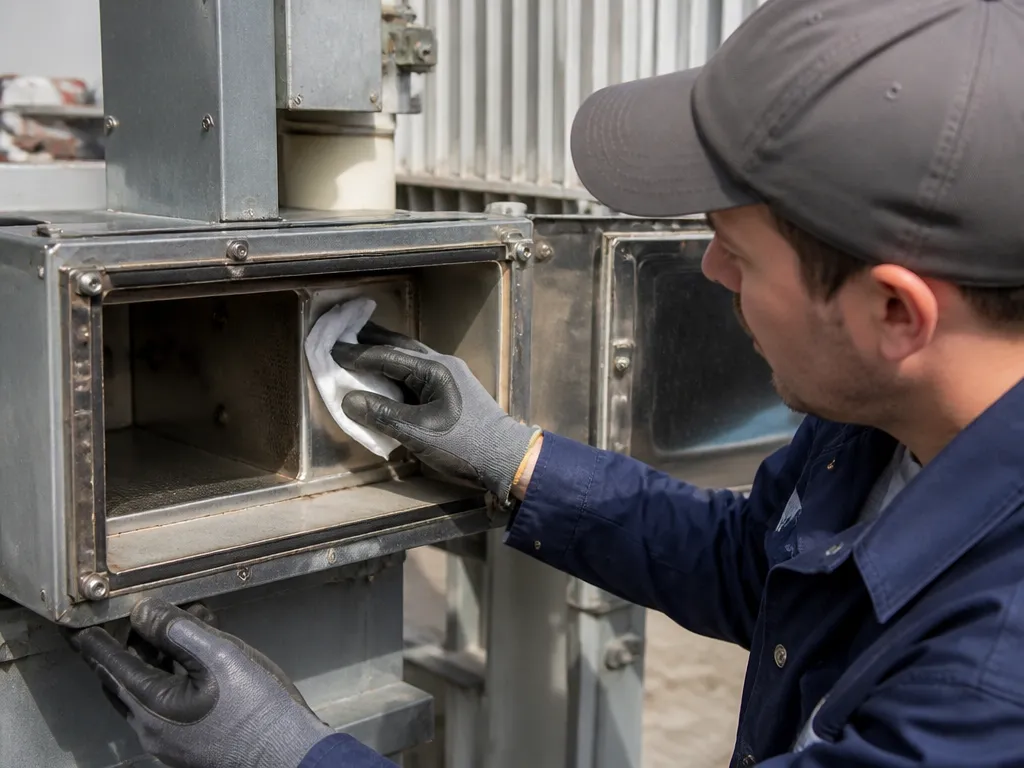
The waveguide cover collects grease and food splatter, especially near the top interior. When that residue carbonizes, it can become conductive and trigger arcing.
Use this cleaning sequence:
- Unplug the microwave first.
- Remove the turntable and plate to expose the cavity floor.
- Wipe the interior with a damp cloth.
- Use a mild dish soap solution for stubborn splatter.
- Keep liquid away from vents and electrical areas.
- Wipe the waveguide cover gently rather than scrubbing or soaking it.
A stained but intact cover may work normally after careful cleaning. Stop cleaning and plan to replace the cover if it is cracked, missing, or burned through. A damaged cover can continue to disrupt the way microwave energy travels.
Dry all surfaces completely before testing. Moisture left on internal surfaces can create additional problems.
Check the Turntable and Power Cord
A properly seated turntable should sit level and rotate smoothly. Turn the plate by hand with the microwave unplugged. Grinding, binding, or scraping indicates debris, a misaligned roller ring, or a damaged part.
Check the following:
- Turntable plate fit – the glass should sit level and turn smoothly.
- Roller ring – it should be seated correctly and free of cracks or warping.
- Coupling area – look for debris, wear, or a loose connection.
- Power cord – inspect for damage, looseness, or pinching near the plug.
Clean away debris if the plate binds. Replace broken parts with the correct components rather than improvised substitutes.
Do not attempt internal wiring repairs. Loose wiring, burned wires, or other electrical damage require a technician. The magnetron, high-voltage components, interlocks, and capacitors are not safe DIY repair targets.
When a Sparking Microwave Needs Professional Repair
Call a technician when:
- The microwave sparks while heating water in a microwave-safe glass.
- The waveguide cover is cracked, missing, or burned through.
- Scorch marks look electrical rather than like ordinary food residue.
- The microwave trips breakers or power-cycles unexpectedly.
- Wiring appears loose or burned.
- Arcing returns without an obvious food or cookware cause.
A technician can determine whether the problem is a replaceable waveguide cover, a damaged interlock, a failing magnetron, another high-voltage component, or a problem with the waveguide itself. If the fault is electrical, continuing to test the microwave is not worth the risk.
Best Overall Recommendation
FAQ
Why does my microwave spark only with certain dishes?
The container is probably not fully microwave-safe. Common triggers include metal trim, foil packaging, lids with metal parts, metallic paint, and reflective finishes.
Can I keep using the microwave if it sparks a little?
No.
How long should I clean the microwave before testing again?
Plan on 10 to 20 minutes for a first cleaning pass, including the interior, waveguide cover area, and splatter on the top interior. Dry everything thoroughly before testing. Cleaning is not enough if the waveguide cover is burned, cracked, or missing.
What is the safest way to test the microwave after cleaning?
Use a microwave-safe glass of water. Place the cup in the center of the turntable, close the door fully, and watch closely during a short test. Stop immediately if you see sparks rather than trying to finish heating.
Is a new microwave cheaper than fixing a sparking one?
A simple residue problem or a dirty waveguide cover is often cheaper to repair than replacing the microwave. A damaged waveguide cover or suspected electrical fault can make repair less attractive, especially if several components need inspection. Get a technician estimate before deciding between repair and replacement.